
Installing this application will not harm your device. Please ensure that apps from unknown sources can be installed on your device.
Place your bets in applications and programs for PC
Alternative access to all sports within a compact and convenient design, plus a huge selection of LIVE events and odds updated in real time. The apps are available for regular users and new customers alike.
Faster pre-match and live betting
Guaranteed access to the website
Lots of payment solutions to choose from

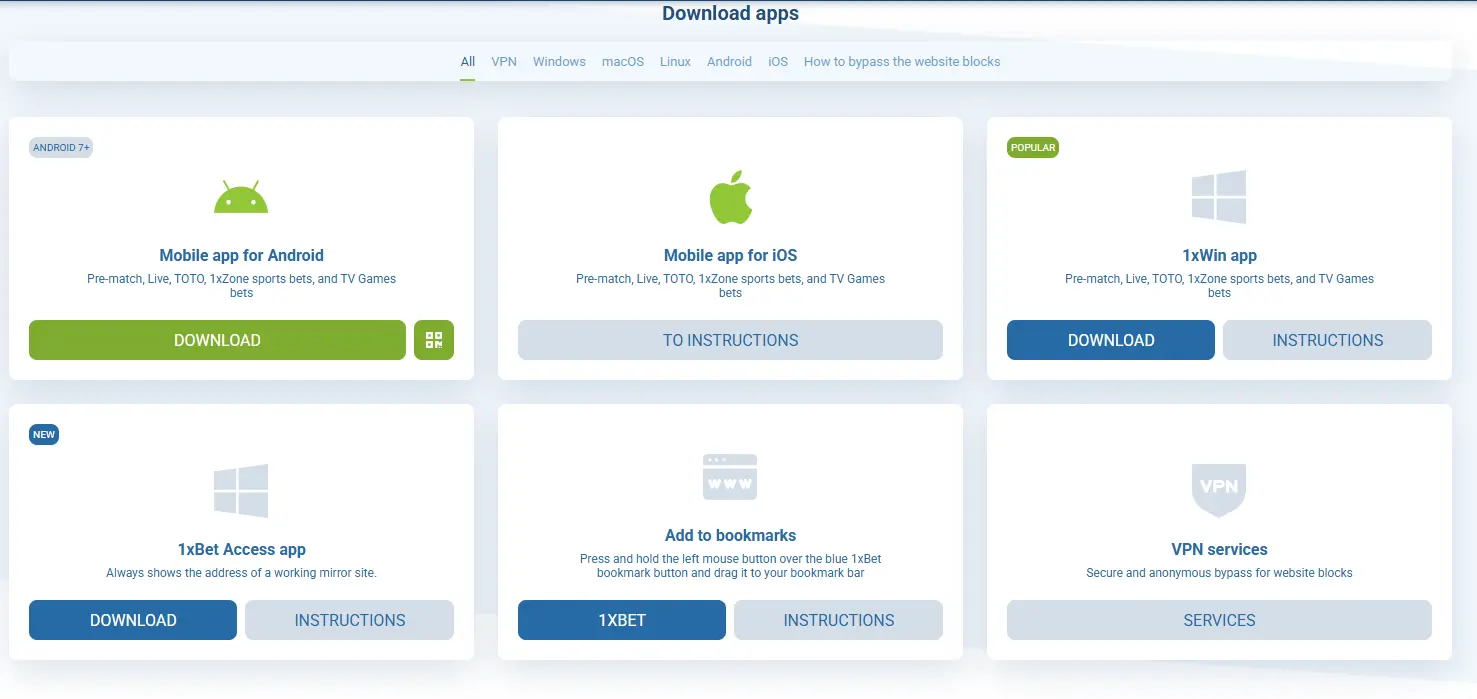
Download apps
- Android 7+
Mobile app for Android
Pre-match, Live, TOTO, 1xZone sports bets, and TV Games bets
Mobile app for iOS
Pre-match, Live, TOTO, 1xZone sports bets, and TV Games bets
- Popular
1xWin app
Pre-match, Live, TOTO, 1xZone sports bets, and TV Games bets
- New
1xBet Access app
Always shows the address of a working mirror site.
Add to bookmarks
Press and hold the left mouse button over the blue 1xBet bookmark button and drag it to your bookmark bar
VPN services
Secure and anonymous bypass for website blocks
1xBet Download for PC — Desktop App for Windows
1xBet PC gives users in Turkey access to the official 1xWin Windows client, also known as the 1xBet app for PC. The 1xBet desktop app is for 18+ users only
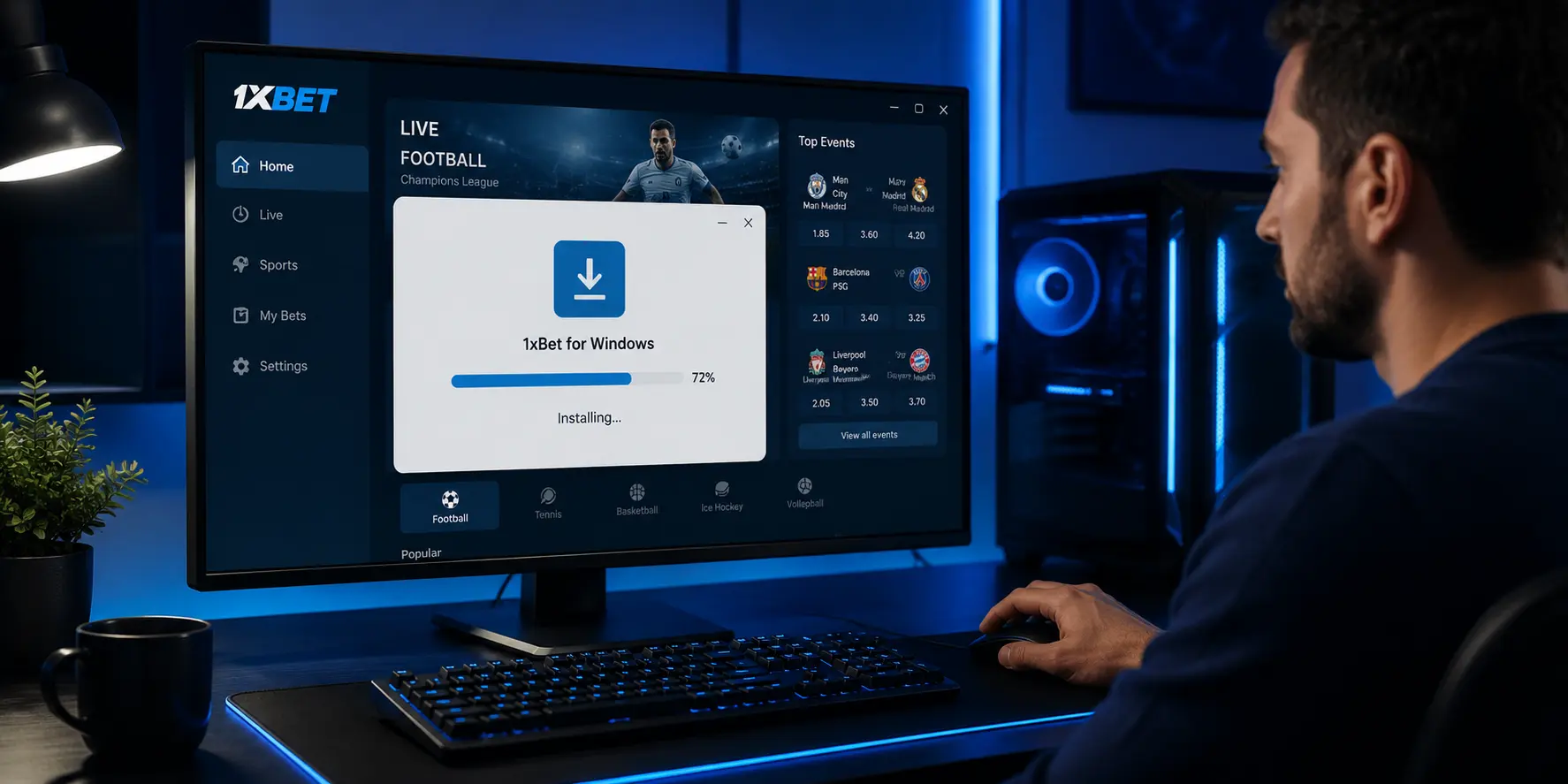
For a safe 1xBet PC setup, start from the official desktop page and use the free installer. Its file size is usually about 120–150 MB.
TRY (₺) is supported, while Papara and Havale can work directly in the app where available. The 1xBet desktop platform keeps the same account, wallet, payment history and bet slips as web and mobile. If you bet on the go, the 1xBet mobile app covers Android and iOS.
What Is the 1xBet Desktop App?
The 1xBet desktop app is a standalone Windows client that installs directly on a PC or laptop. The installer is usually about 120–150 MB, so the 1xBet PC version does not need a browser tab. This 1xBet PC option works for users who prefer a dedicated desktop program.
The desktop version can load locally cached interface assets. These are interface files stored on the device after installation. They may help odds loading feel quicker than in a regular browser. They also reduce issues such as tab crashes, lost sessions or cookie problems.
The app is designed for Windows PCs and laptops, including common Windows 7, Windows 10 and Windows 11 setups. The 1xBet software for PC covers full sports betting, live betting, casino, slots and 1xGames sections.
System Requirements for 1xBet PC App
The 1xBet Windows app needs a supported Windows setup, free storage and a stable connection.
Parameter | Minimum | Recommended |
Operating system | Windows 7, Windows 10, or Windows 11, if supported by the current installer | Windows 10 or Windows 11 |
Device | Desktop PC or Windows laptop | Laptop or PC used for regular online betting |
Storage | Enough free space for the official installer and updates | Extra free storage beyond the 120–150 MB installer |
RAM | Enough memory to run Windows and the app together | More free RAM for smoother odds loading |
CPU | Standard Windows-compatible processor | Recent Windows laptop or desktop CPU |
Internet speed | Stable connection | Stable broadband connection |
The 1xBet app Windows 10 setup also fits users who choose PC for a fixed desktop betting window. Windows 10 and 11 users get full feature support, including Windows Hello login and push notifications. Any Windows laptop meeting the specs runs the 1xBet app for laptop with no GPU required.
How to Start 1xBet Download PC and Install the App
The process should start only from the official desktop page. Check the installer name, file location and account details before the first 1xBet sign in. This keeps the 1xBet PC download process clear and reduces the risk of copied files.
Open the official desktop page and choose the Windows installer. This is the safest way to start 1xBet download for Windows without outside sources.
Save the installer to the Downloads folder. Wait until the file finishes before opening it.
Run the installer and review any Windows SmartScreen message. Windows SmartScreen is a Microsoft security prompt that checks unknown apps before launch.
Follow the setup window and install the 1xBet PC app. Add an antivirus exception only after confirming the file came from the official page.
Open the app, set language and choose TRY currency. Two-factor authentication, or 2FA, adds a second login check through a code or device confirmation.
Check balance, payment settings and bet slip details before placing any wager. Auto-update may refresh the interface after installation.
After setup, existing users can log in to your 1xBet account with the same details used on the web platform. New users can register on 1xBet before using 1xBet login for PC inside the client.
Users who search for 1xBet app download for PC should still use the official page, not copied installer files. The same rule applies to 1xBet app download Windows results from forums. A second source check is useful before any 1xBet app download Windows installation.
1xBet Desktop App Features
The 1xBet desktop app gives Windows users a dedicated interface for betting, account access, payments and casino sections. It keeps the same wallet as the web version but works outside the browser. For users who prefer 1xBet for PC, this format keeps the betting platform in a separate window.
During active matches, desktop users can move from pre-match markets to live sports betting when in-play markets are available. This works best when the app stays open while users follow team news, stats or match updates in a separate browser tab.
Feature | 1xBet PC App vs Browser |
Odds loading | Cached assets may help markets open faster than a fresh browser session |
Multi-window use | The app can stay open while other browser tabs handle news or stats |
Auto-update | The app can update its interface without a full browser refresh |
In-play betting | In-play markets can be opened when available |
Unified wallet | Balance, TRY payments and bet history stay linked to one account |
Security | Two-factor authentication helps protect account access after login |
The 1xBet PC app does not change basic betting rules. The 1xBet app for PC is useful for desktop sessions, but control matters more than screen size. The 1xBet app for PC also keeps core account tools in one place.
1xBet Download PC Payments, Bonuses and Safety
The 1xBet download PC setup uses the same account wallet as the web platform. Users in Turkey can check TRY (₺) balance and payment options inside the cashier section. Papara usually leads the local payment flow, while Havale and crypto may appear if supported.
Before using any bonus balance, read the current bonuses and promotions rules. Bonus terms can include wagering requirements, expiry dates, eligible markets and minimum odds.
The 1xBet desktop version also supports account security tools where available. Users should enable 2FA, keep login details private and check open sessions. 1xBet is licensed under Curaçao eGaming (1668/JAZ), and users should still manage risk on every wager.
Responsible gambling tools can help keep activity controlled. Deposit limit, loss limit, session limit and self-exclusion settings give users ways to manage time and spending. 1xBet for PC can keep long sessions convenient, but the 1xBet desktop app should be used with a fixed budget.